
We really enjoy using Google Drive when working with our clients. We exchange all their accounting records through it – payroll documents, invoices, receipts, contracts, anything we can. ☺️ We communicate about documents quickly and clearly. In emails, we link to documents, and both sides immediately know what we are discussing. We also have everything in one place, so there is no risk of anything being lost or buried in emails.
That is why we in the jungle appreciated another handy feature Google recently introduced for us – an integrated document scanner directly in the Drive app for Android and iOS.
What does this mean in practice? When you need to scan a contract, receipt or any paper document, you do not need to find a printer or download a separate app.
The process is simple:
- Open the Drive app on your phone
- Tap the icon with a plus sign
- Select scan document
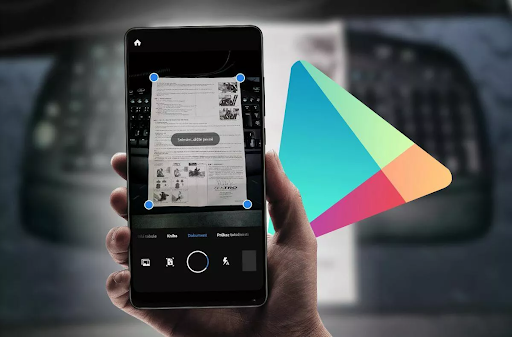
- Photograph the document – the app automatically crops it, cleans up the background and turns it into a neat, readable PDF file
- Save it directly to Drive in the folder where it belongs
Done in a minute. Less, even. ☺️
The scanner can automatically detect the document’s edges and make adjustments (brightening the image, enhancing the text). More advanced features, such as multi-page scanning and automatic organisation into folders, are also already available.
It is also worth mentioning that Google is gradually improving text recognition – OCR. So before long, we may also be able to search directly by the text in scanned documents.
So, if you want to save yourself plenty of stress and emails about the whereabouts of last month’s paperwork, we recommend scanning and saving documents as you go. ☺️